FatBurn Watch
让你在 Apple Watch 上保持脂肪燃烧区间的心率提醒
Apple Watch watchOS 10+ iPhone iOS 17+
隐私政策
本 App 处理的数据说明
使用条款
使用本服务的条件
About
概述
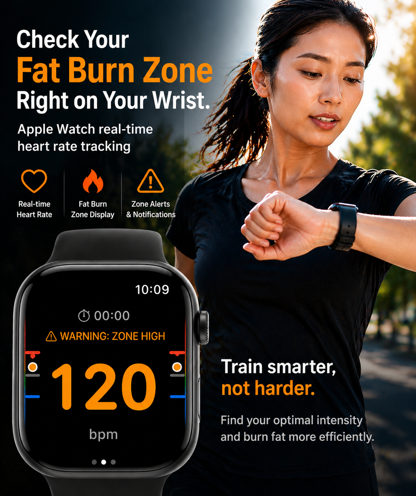
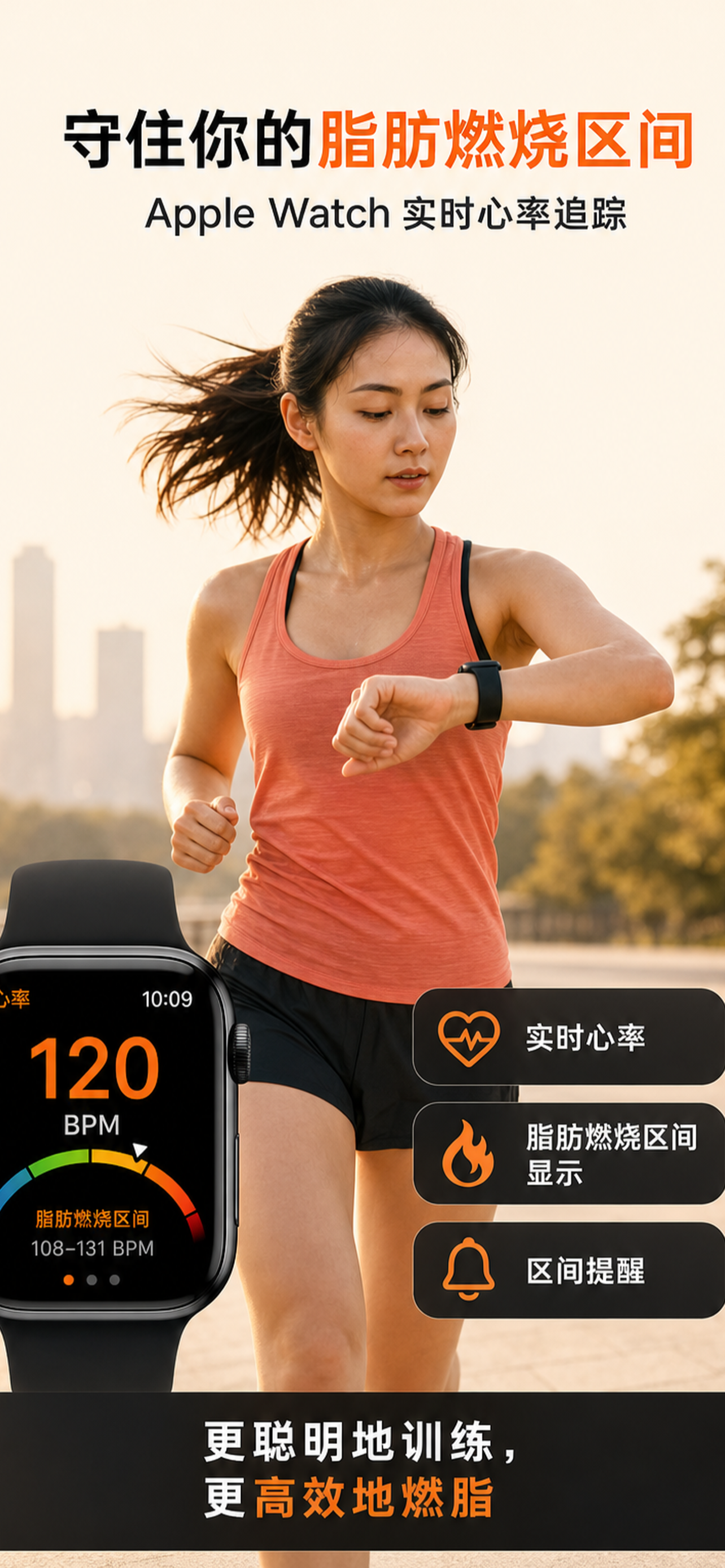
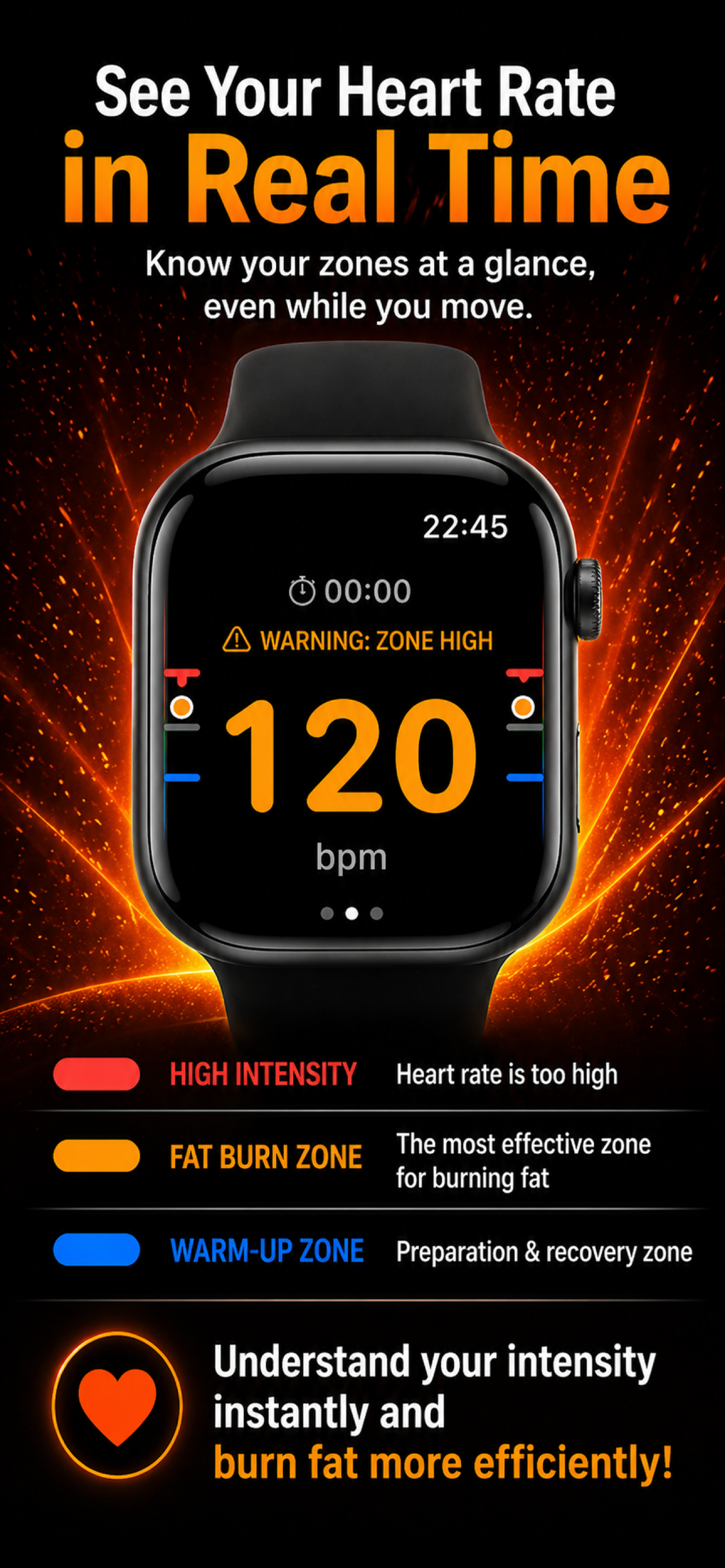
Apple Watch 实时监测你的目标区间(HRmax 的 60-70%)。 超过上限时通过振动、声音和屏幕提醒通知你,并将运动记录保存到 HealthKit。
Latest Versions
最新版本
- iPhone 1.12 (版本号 178)
- Watch 1.12 (版本号 178)
App 端更新: 2026-09-27
What's New
更新内容
• 在个人资料页面新增“关于本应用”,可在 App 内查看应用名称与版本
• 现在可直接从 App 打开支持网站、官方网站和隐私政策
截图
FatBurn Watch
Support
支持 / FAQ
需要使用帮助时,请先查看这里。
-
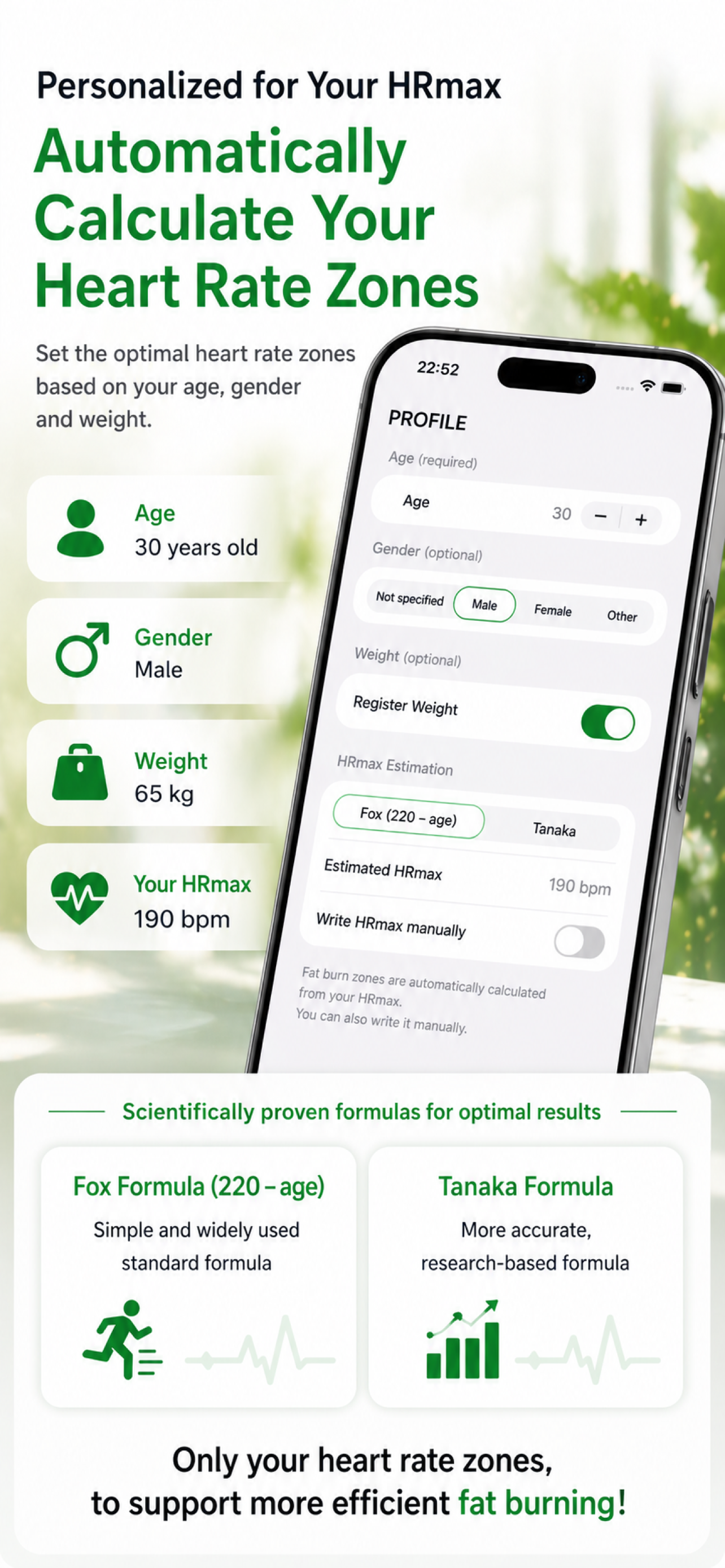
- 在 iPhone 上打开应用,输入年龄、性别、体重和 HRmax
- 设置您的目标区间(燃脂区间)和提醒灵敏度
- 在 Apple Watch 上启动应用并点按"开始"
- 心率会实时显示;当您超过阈值时,会收到触感、声音和屏幕上的提醒
- 点按"停止"即可将锻炼保存到 HealthKit
-
用于实时读取心率、判断燃脂区间并保存锻炼。您可以随时在健康 → 数据来源,或设置 → 隐私与安全性 → 健康中更改权限。
-
常用的估算方法:
- 简易:
220 − 年龄 - Tanaka 公式(通常更准确):
208 − 0.7 × 年龄
如果您有实测值,请使用实测值。应用中的数值仅作指导,并非医学建议。
- 简易:
-
- Apple Watch 是否贴合地戴在手腕上?
- 设置中是否允许了该应用的通知?
- 是否开启了专注 / 勿扰模式?
- 您的灵敏度(阈值 + 持续时间)是否与您的运动强度相匹配?
-
- iPhone:iOS 17+
- Apple Watch:watchOS 10+
- iPhone 与 Apple Watch 必须已配对
-
本应用不是医疗器械。 请勿用于诊断、治疗或预防。如有心脏方面的顾虑,请在运动前咨询医生。
-
如果以上答复无法解决您的问题:
- 电子邮件:contact@lft-farm.com
- 联系表单:/zh/contact/
没有解决问题吗?
若以上内容未能解决,请通过咨询表单联系我们。