
Dine & Wine
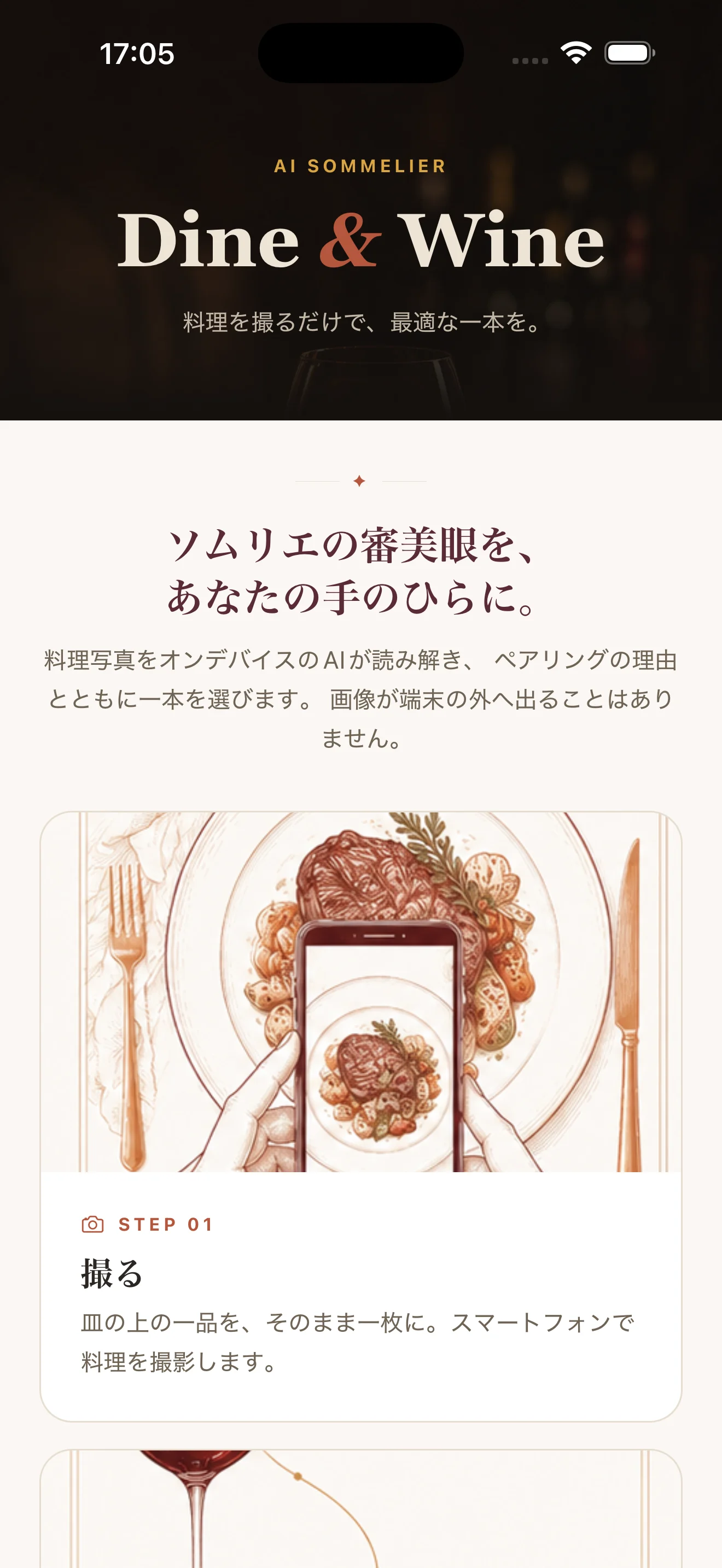
AI sommelier — wine pairings from a photo of your dish
Overview
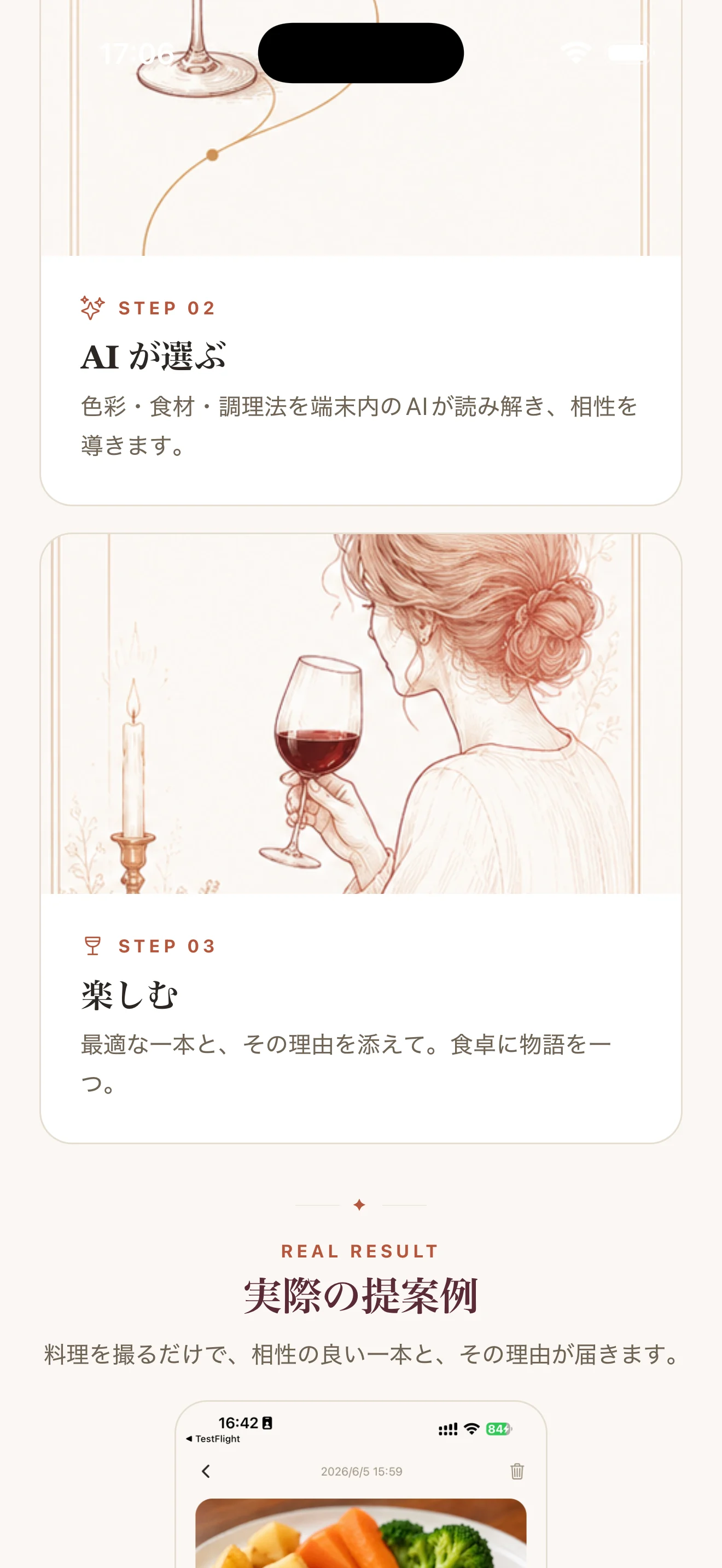
On-device AI analyses the dish in your photo and suggests pairings. Data never leaves the device; works offline after the initial model download.
Built-in AI features
Models / Engines
- Google Gemma 4 (on-device)
Purposes
- Image recognition
- Recommendations
Latest version
- iPhone 1.0.4
App-side updated: 2026-06-07
Release notes
写真解析後の確認画面で、自由入力欄に日本語を入力できない場合がある不具合を修正しました。
Dine & Wine
Support / FAQ
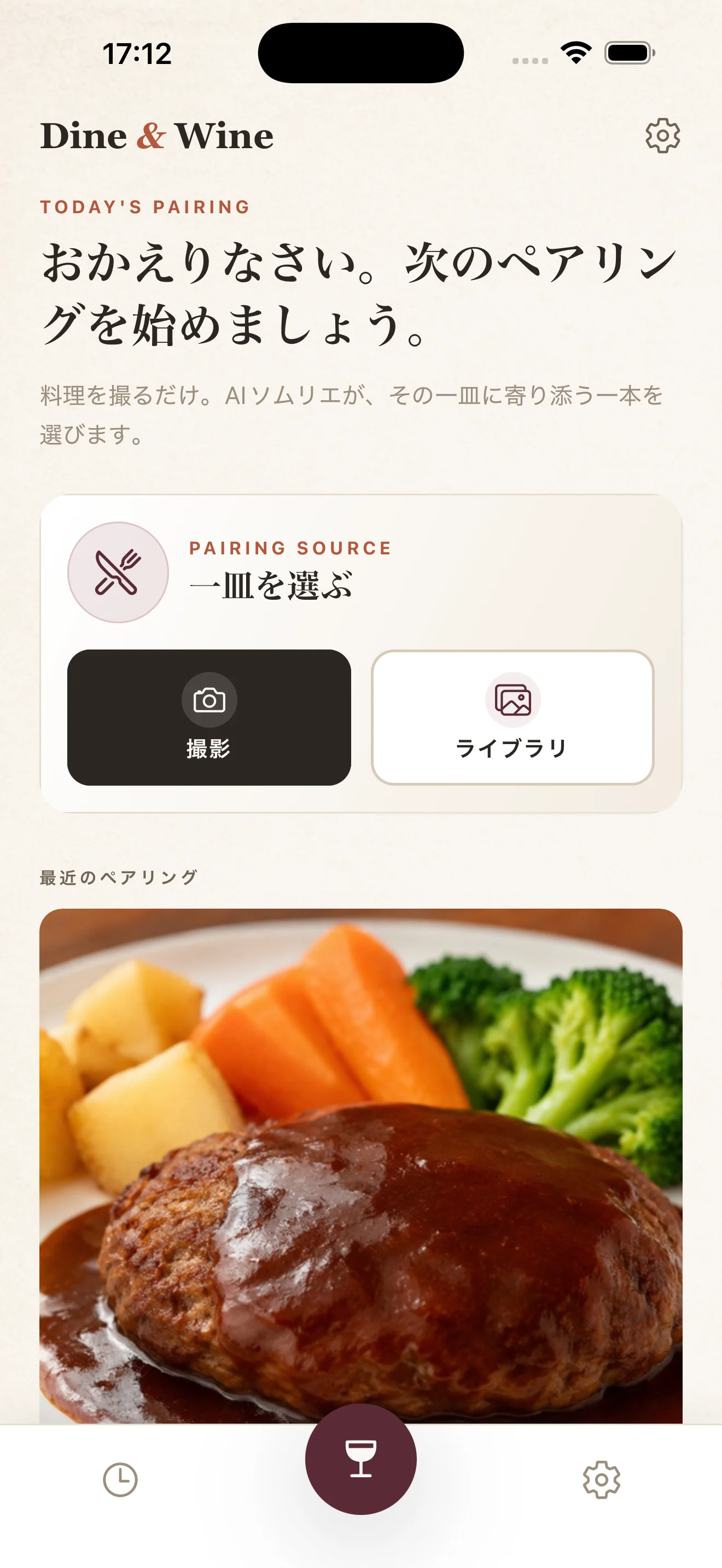
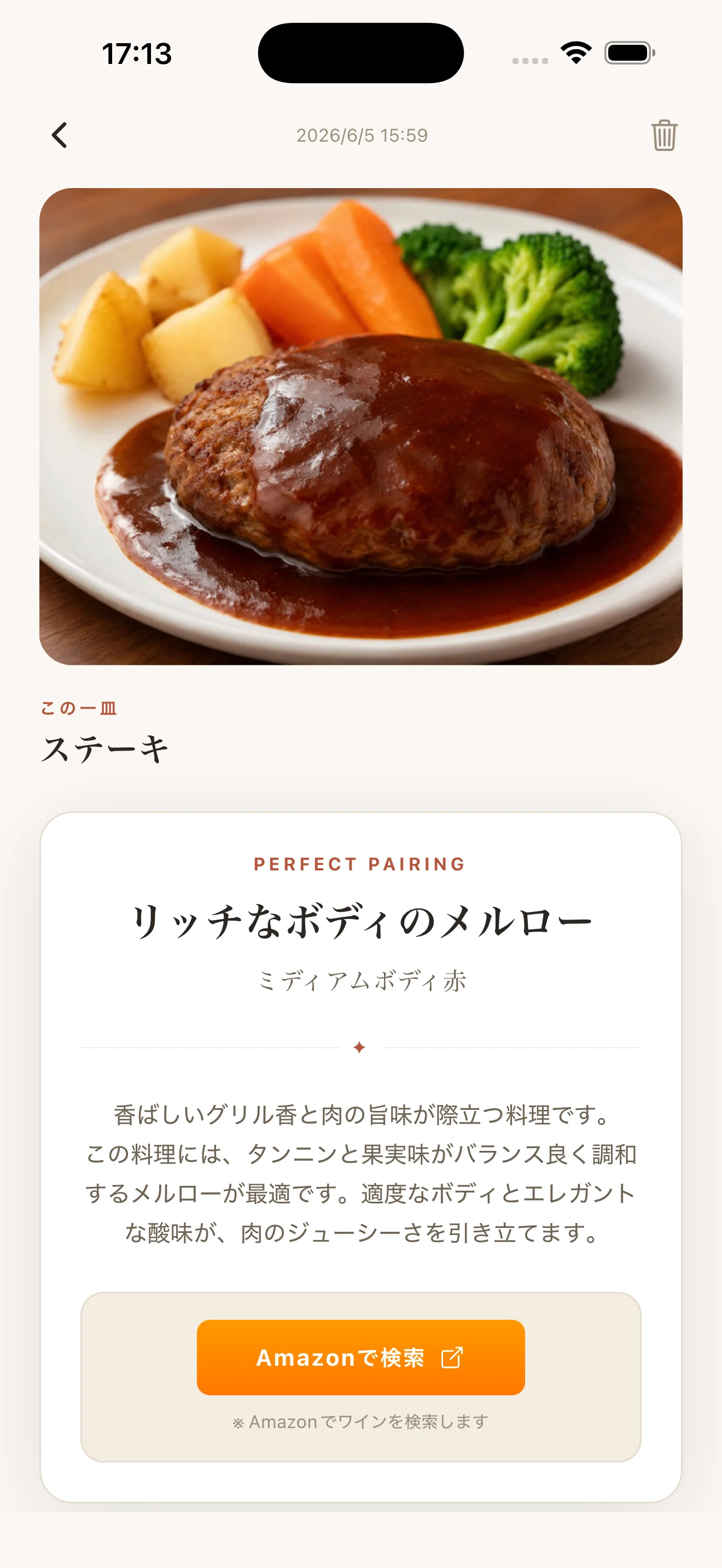
1. Launch the app and download the AI model (first time only) 2. Use "Take a photo" or "Choose a photo" to provide a picture of your dish 3. The AI automatically analyzes the dish and suggests wines that pair well
-
How do I use the app?
- Launch the app and download the AI model (first time only)
- Use "Take a photo" or "Choose a photo" to provide a picture of your dish
- The AI automatically analyzes the dish and suggests wines that pair well
The AI model download is taking a long time
The AI model file is about 3.5 GB to 6 GB. We recommend downloading over Wi-Fi. Do not close the app while the download is in progress. If the download is interrupted, delete the model from the settings screen and download it again.
Which AI model should I choose?
- E2B (about 3.5 GB): runs on iPhone 13 and later. Lightweight and fast
- E4B (about 6 GB): runs on iPhone 15 Pro and later. Enables more accurate analysis
Choose based on your device's storage capacity and your needs.
The analysis results are sometimes inaccurate
AI analysis is for reference only. Please keep the following in mind.
- Shoot in a bright place so the whole dish is visible
- When multiple dishes are in the frame, they may not be recognized correctly
- Recognition accuracy may drop for some dishes or unusual dishes
I want to delete my analysis history
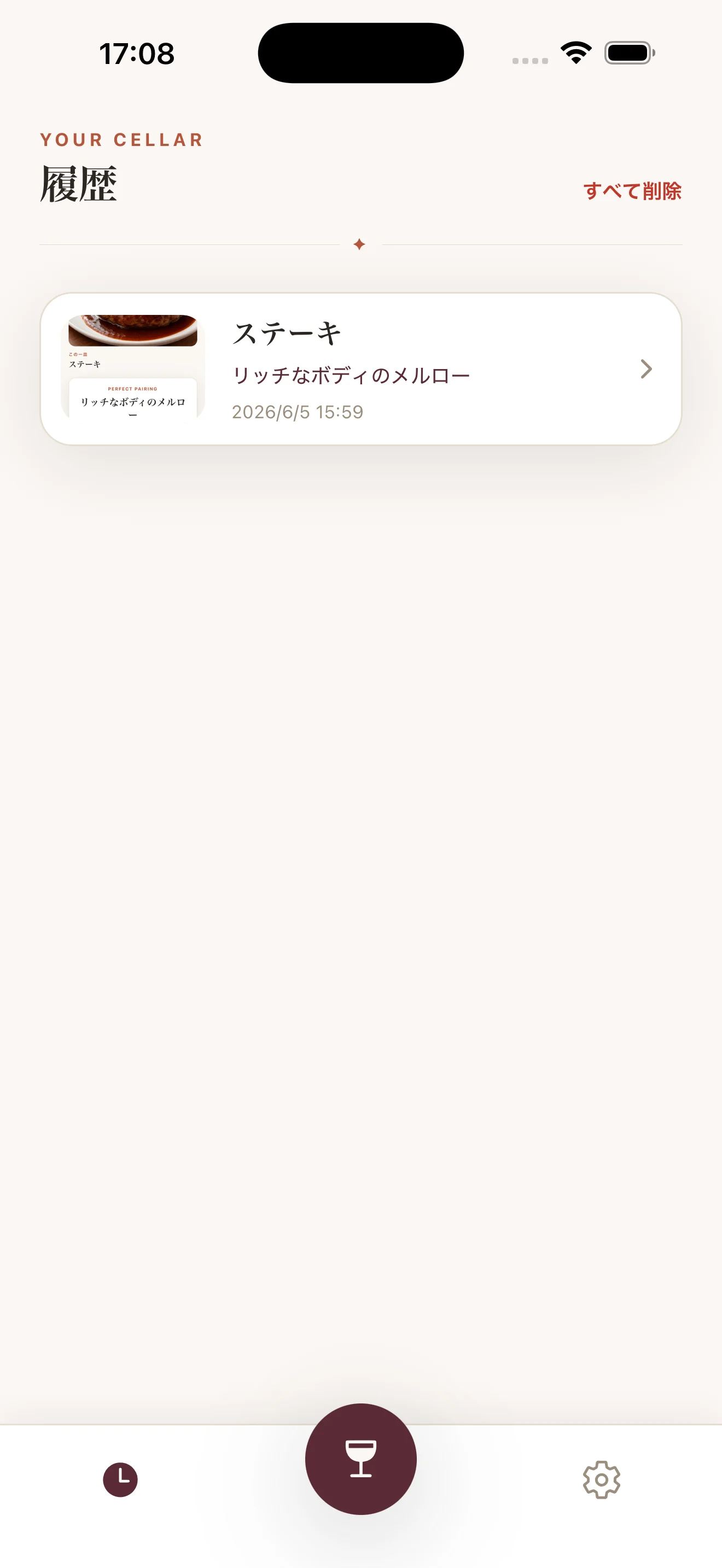
From the settings screen you can delete individual entries or clear the entire history at once.
Do I need an internet connection?
An internet connection is required only for the initial AI model download. After the download is complete, dish analysis and wine-pairing suggestions can be used offline.
What devices are supported?
The app runs on iPhone with iOS 17.0 or later. Because the AI features (dish analysis and wine-pairing suggestions) run on-device, one of the following models is required.
- E2B model: iPhone 13 and later (iOS 17.0 or later)
- E4B model: iPhone 15 Pro and later (iOS 17.0 or later)
On older devices or iOS 16 and earlier, the AI model cannot be downloaded or run.
The app is not working properly
Please try the following.
- Fully quit the app and restart it
- Restart your device
- Update the app to the latest version
- Delete the AI model and download it again (you can do this from the settings screen)
-
If the above does not resolve your issue, feel free to contact us at the email address below.
- Email: contact@lft-farm.com
- Developer: LFT Inc.
To help us respond smoothly, please include the following information.
- Your device and OS version
- The app version
- The AI model you are using (E2B / E4B)
- Details of the problem and steps to reproduce it
Still need help?
If the answers above didn't resolve it, please use our contact form.