
FatBurn Watch
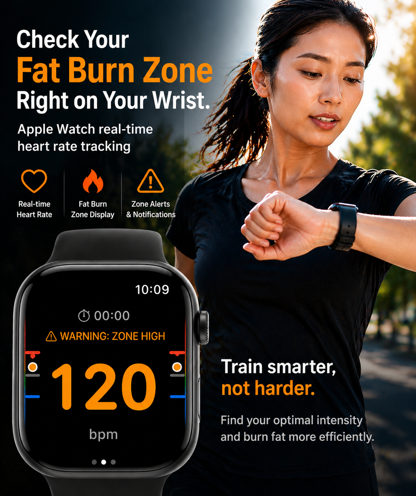
Heart rate alerts that keep you in the fat-burning zone on Apple Watch
Overview
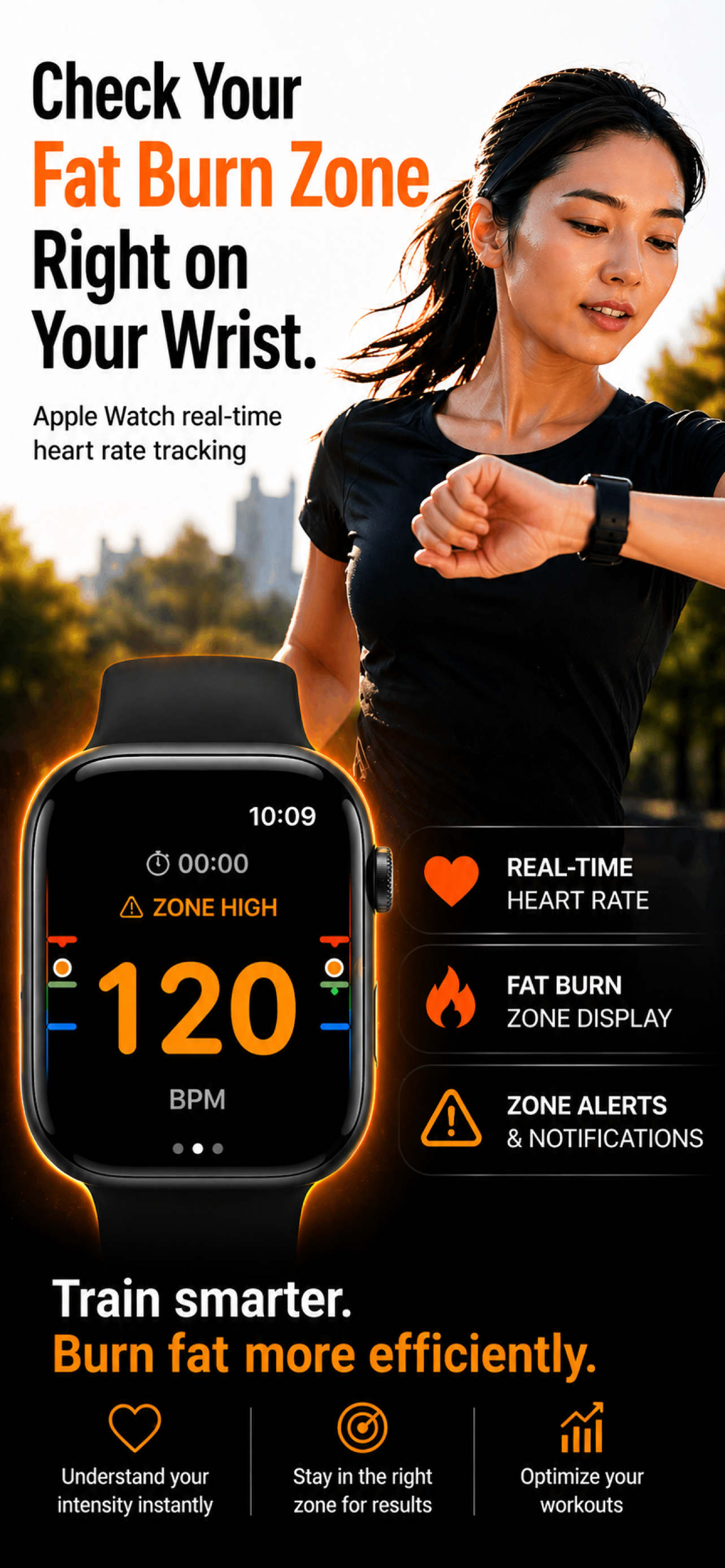
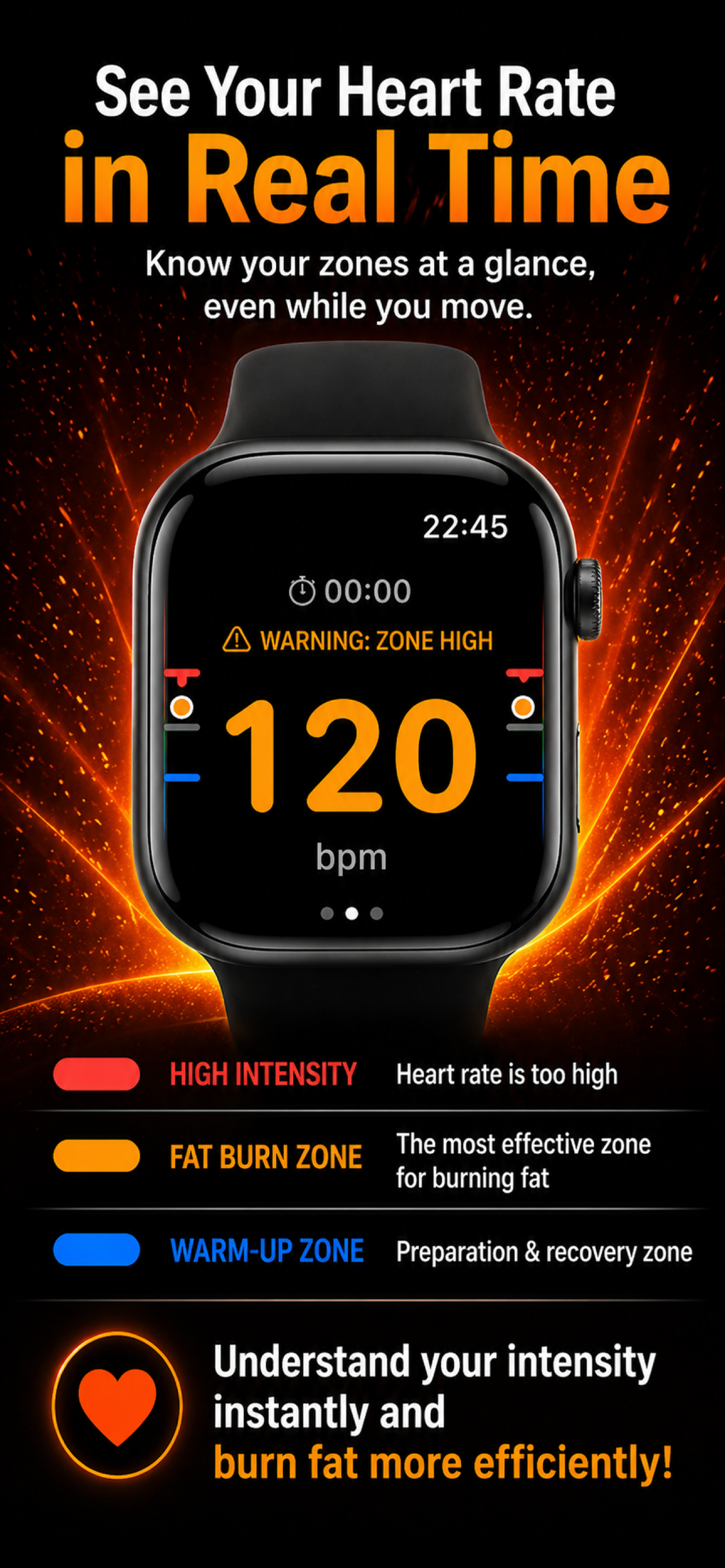
Apple Watch monitors your target zone (60-70% of HRmax) in real time. Haptic, sound and on-screen alerts when you exceed it; sessions saved to HealthKit.
Latest version
- iPhone 1.12 (Build 178)
- Watch 1.12 (Build 178)
App-side updated: 2026-09-27
Release notes
• Added an About section to the Profile screen so you can check the app name and version inside the app
• You can now open the support site, website, and privacy policy directly from the app
FatBurn Watch
Support / FAQ
Check here first for help with the app.
-
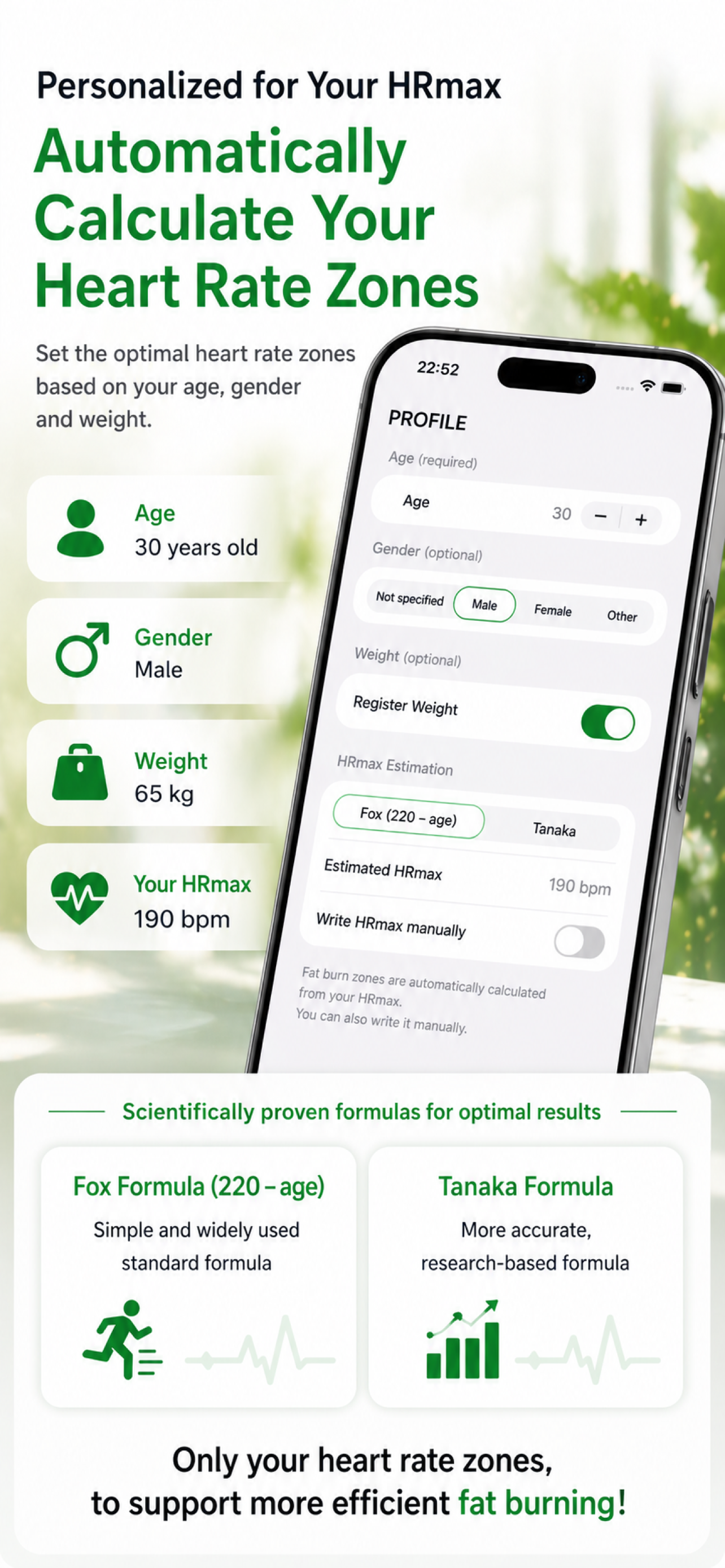
- Open the app on iPhone and enter age, sex, weight and HRmax
- Set your target zone (fat-burning zone) and alert sensitivity
- Launch the app on Apple Watch and tap Start
- Heart rate shows in real time; you get haptic, sound and on-screen alerts when you exceed the threshold
- Tap Stop to save the workout to HealthKit
-
To read heart rate in real time, judge the fat-burning zone, and save workouts. You can change permission any time from Health → Sources, or Settings → Privacy & Security → Health.
-
Common estimates:
- Simple:
220 − age - Tanaka formula (often more accurate):
208 − 0.7 × age
Use a measured value if you have one. The app's numbers are guidance, not medical advice.
- Simple:
-
- Is Apple Watch fitted snugly on your wrist?
- Are notifications allowed for the app in Settings?
- Is Focus / Do Not Disturb active?
- Does your sensitivity (threshold + duration) match your effort?
-
- iPhone: iOS 17+
- Apple Watch: watchOS 10+
- iPhone & Apple Watch must be paired
-
This app is not a medical device. Do not use for diagnosis, treatment or prevention. Consult a doctor before exercise if you have cardiac concerns.
-
If the answers above don't resolve your issue:
- Email: contact@lft-farm.com
- Contact form: /en/contact/
Still need help?
If the answers above didn't resolve it, please use our contact form.