Kanji Concentration
Test your instant memory with kanji cards
개요
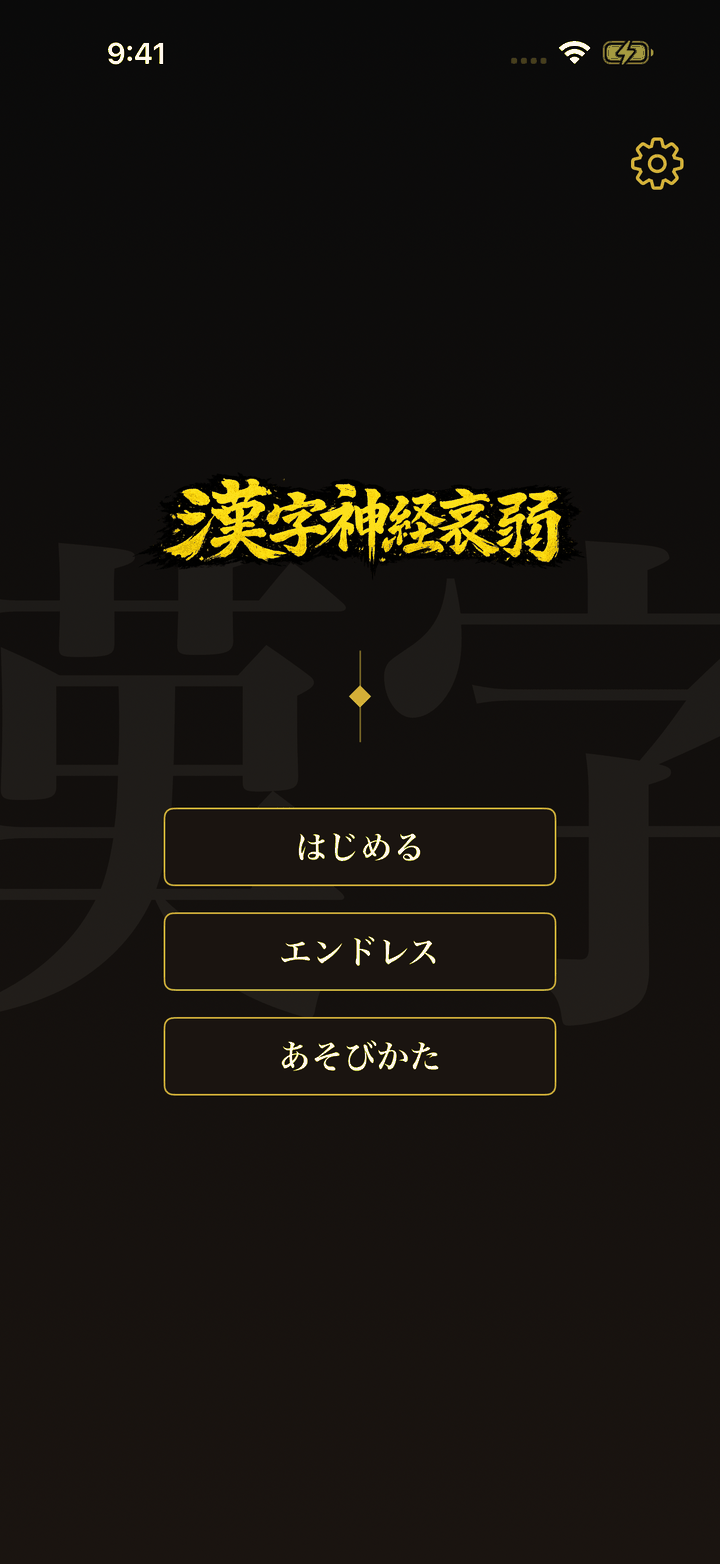
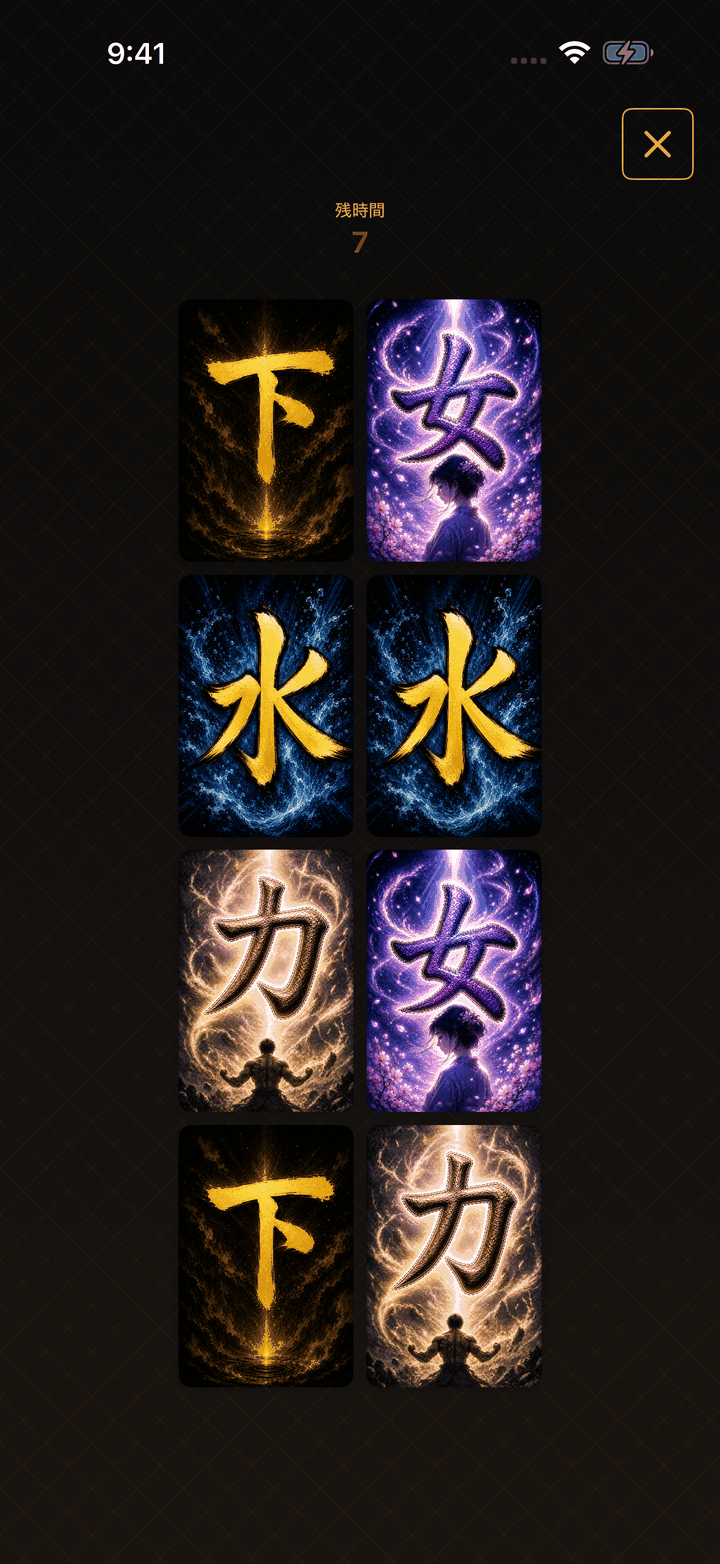
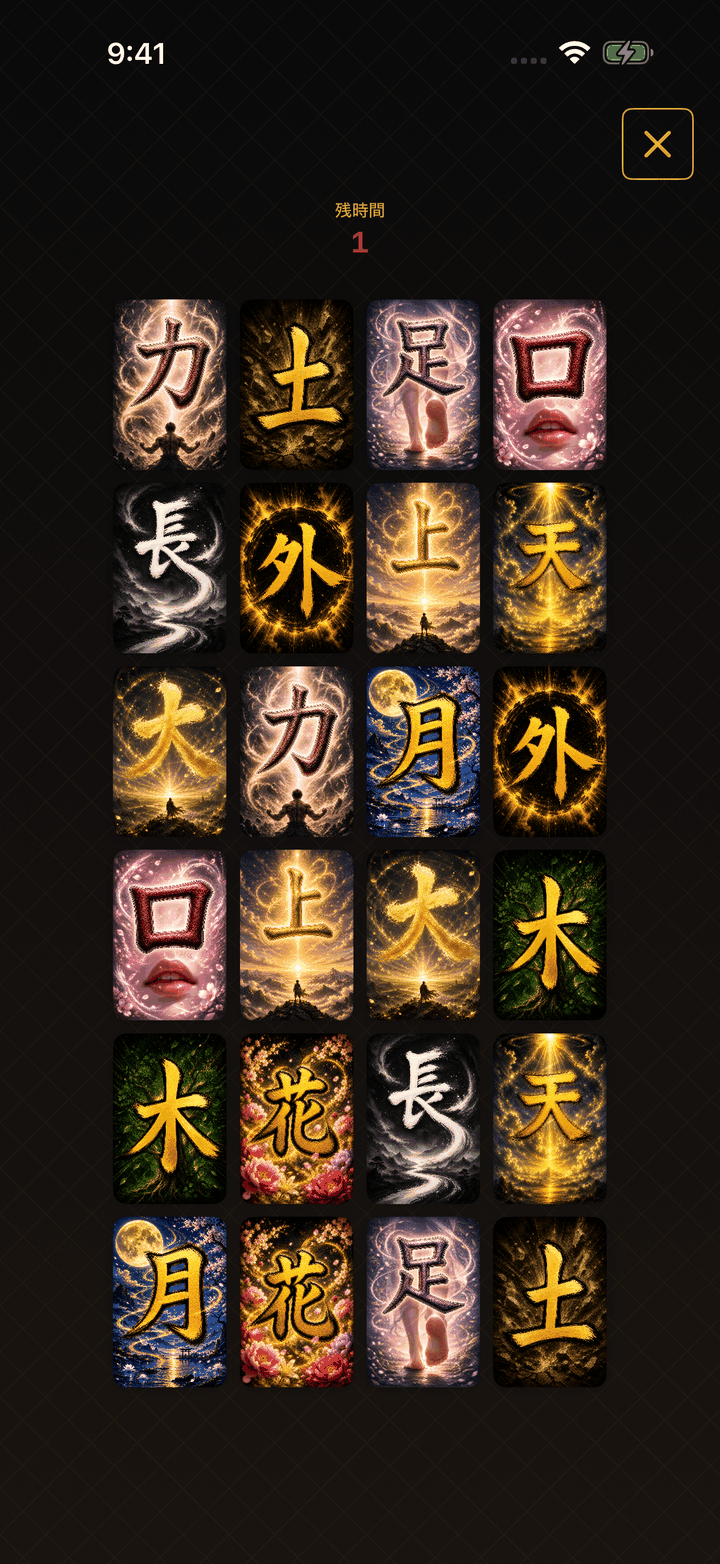
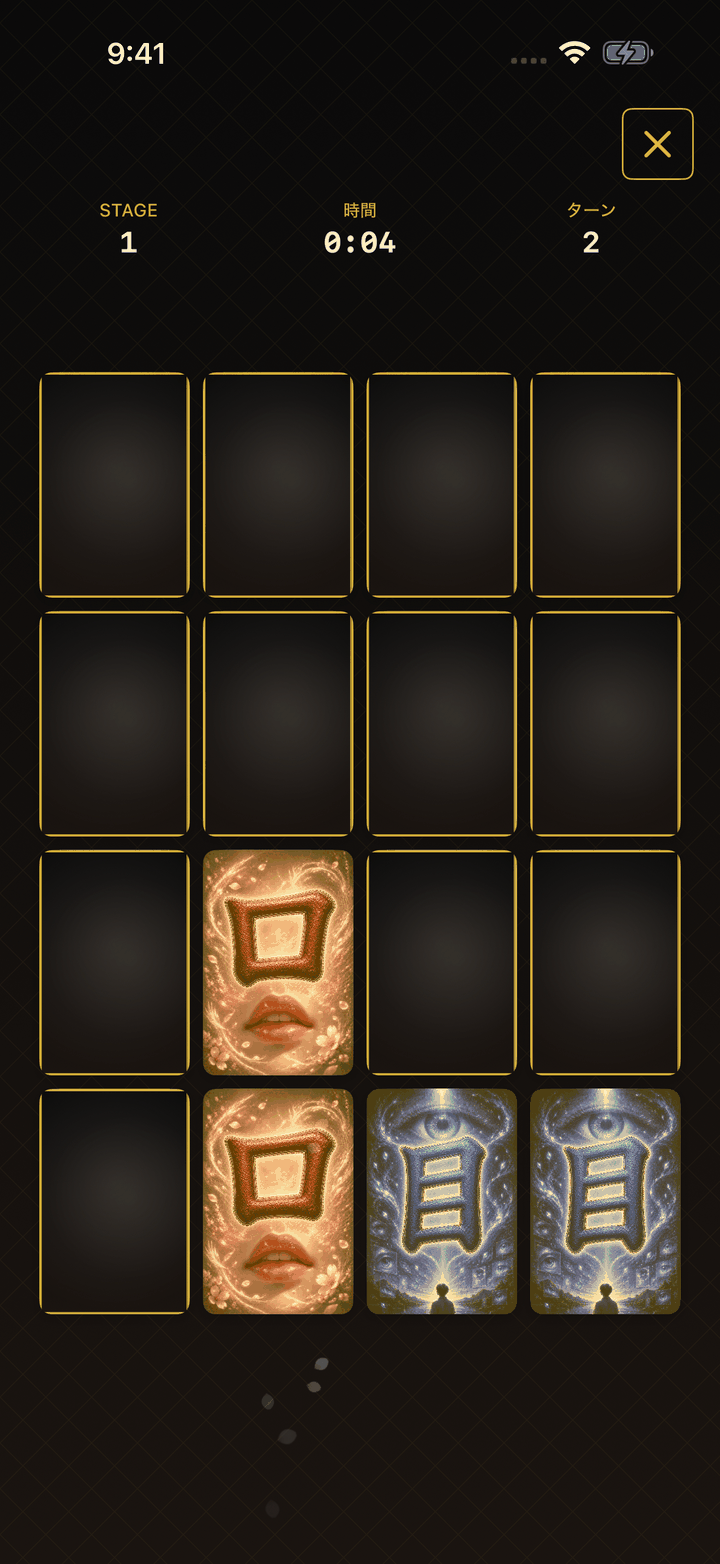
How sharp is your memory? Kanji Concentration is a card-matching game that challenges you to memorize card positions instantly and find all the pairs. Each card shows a single kanji on an abstract background that embodies its meaning, so you train concentration, instant memory, and kanji recognition at once. HOW TO PLAY 1. Memorize Phase: All cards are revealed for a limited time. Remember their positions! 2. Answer Phase: Cards are flipped face down. Use your memory to find matching pairs. 3. Find all pairs to clear the stage! DIFFICULTY - Easy (2×4, 10 s to memorize) / Normal (4×4, 5 s) / Hard (4×6, 3 s) - In Hard, card positions shuffle after the memorize phase - Endless mode: fixed 4×4 grid, one miss and you're out, with rising difficulty FEATURES - Rich Japanese-style design (ink black, golden yellow, vermilion) - Kanji are read aloud when you flip a card (can be turned off in settings) - Fully offline - No data collection, no ads - VoiceOver support
최신 버전
- iPhone 1.0.0 (빌드 2)
앱 측 업데이트: 2026-08-21
업데이트 내용
- Initial release
- Kanji-card concentration game (memorize phase + answer phase)
- Easy / Normal / Hard difficulties plus Endless mode
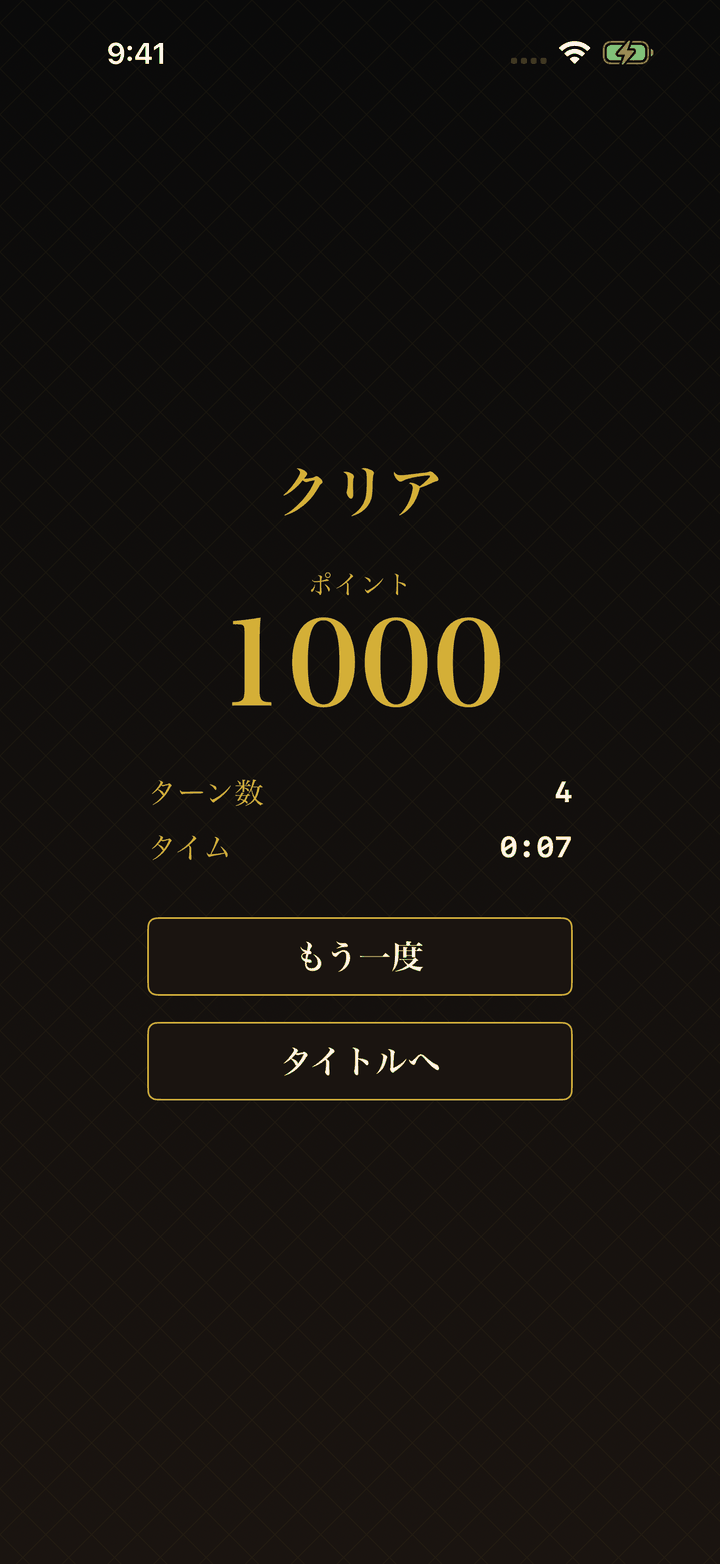
- Results display (turns and clear time)
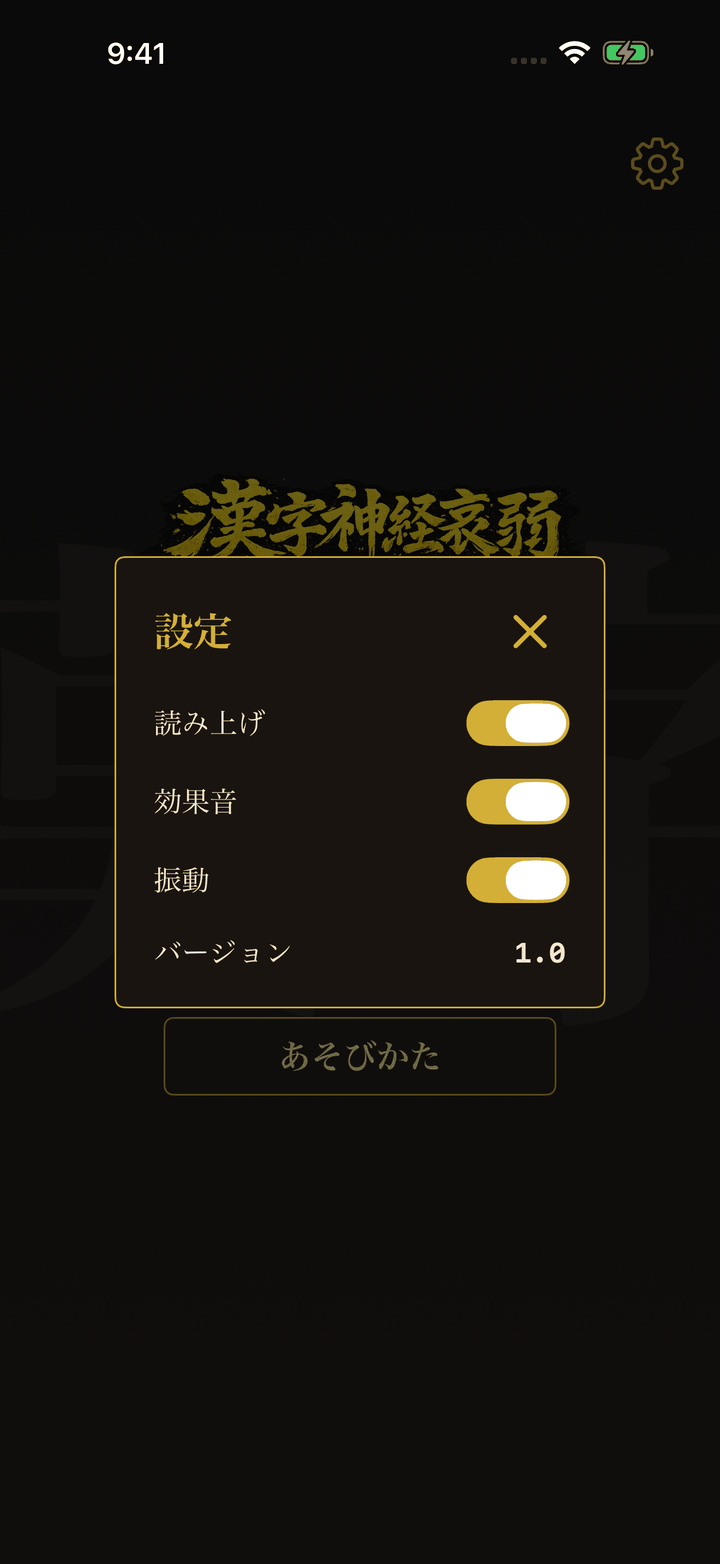
- Kanji read-aloud, sound effects, and haptic feedback (each can be toggled)
- VoiceOver support
Kanji Concentration
지원 / FAQ
Kanji Concentration에 관한 자주 묻는 질문과 문의처를 안내합니다.
-
한자 한 글자가 그려진 카드로 즐기는 짝맞추기(메모리) 게임입니다. 일반적인 짝맞추기와 달리, 먼저 기억 단계에서 모든 카드가 일정 시간 앞면으로 표시됩니다. 위치를 기억한 뒤 응답 단계에서 카드가 뒤집히면, 기억을 바탕으로 짝을 찾아 주세요. 모든 짝을 맞추면 클리어입니다.
-
- Easy(2×4·기억 10초) / Normal(4×4·5초) / Hard(4×6·3초): 카드 수가 늘고 기억 시간이 짧아질수록 어려워집니다.
- Hard: 기억 단계가 끝난 뒤 카드 위치가 섞입니다.
- Endless: 4×4 고정, 한 번 실수하면 종료되며 진행할수록 단계적으로 어려워집니다.
-
iPhone(iOS 17 이상)을 지원합니다.
-
광고는 표시되지 않으며 인앱 결제도 없습니다. 모두 무료로 즐길 수 있습니다.
-
둘 다 필요하지 않습니다. 완전히 오프라인으로 동작합니다.
-
읽어주기·효과음·진동 설정이 기기 안에만 저장됩니다. 점수나 Endless 모드의 도달 스테이지 같은 플레이 기록은 저장되지 않습니다. 설정이 LFT 서버로 전송되는 일은 없습니다. 앱을 삭제하면 저장된 데이터도 함께 삭제되니 주의해 주세요.
-
네. 앱 내 설정에서 한자 읽어주기(기본 켜짐), 효과음, 햅틱 피드백을 각각 켜고 끌 수 있습니다. 소리가 나지 않으면 기기의 무음 스위치와 음량도 확인해 주세요.
-
지원합니다. 카드와 조작 버튼에 읽기 레이블을 설정했습니다.
-
위 내용으로 해결되지 않는 경우 아래로 문의해 주세요.
- 이메일: contact@lft-farm.com
- 개발자: LFT Inc.
해결되지 않으셨나요?
위 내용으로 해결되지 않으면 문의 양식으로 연락해 주세요.